Elevator Operating Robot
Fall 2022
For 2-week robotics group project in my Electronics & Controls I class, we were challenged to make a robot that would get from our classroom on the ground floor to our professors office on the first floor.
Design Process
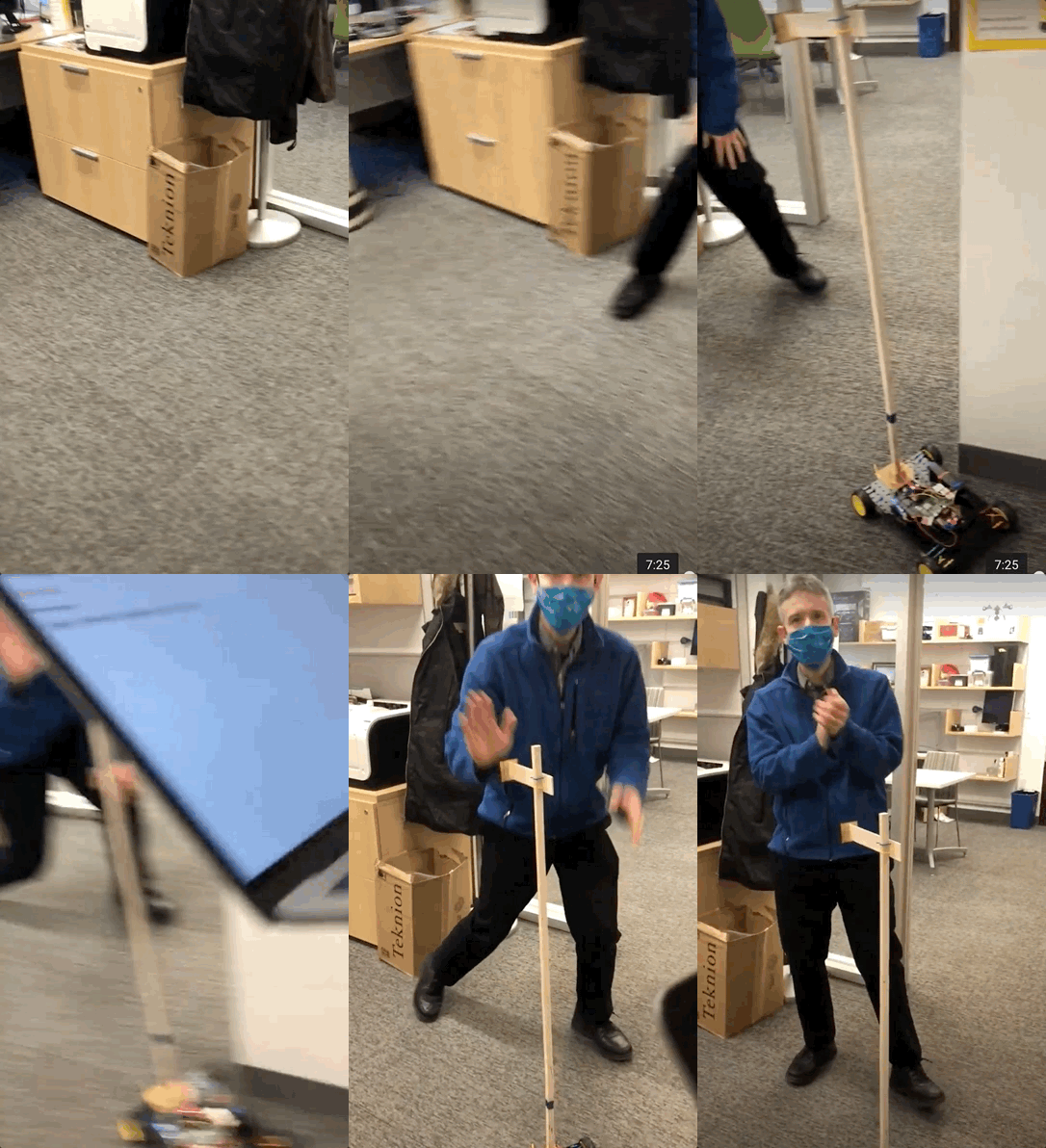
In order to make a robot that could ride the elevator, my team decided to make a wirelessly controlled driving base with a strong arm mounted on it that could reach the buttons. The buttons were at the same height on the inside and outside of the elevator, so this arm could be static, which simplified the design considerably. We designed a base that we could attach components to with zip ties. This was a very efficient design because we could adjust components quickly and spent minimal time CADing the base. The robot was controlled via wifi through a Raspberry Pi 4 computer with SSH enabled. We made controls for the robot on a web browser through the Flask web framework.
The (Mostly) Successful Journey
Our robot (named iGoogy, after my cat) made it to the destination. The main shortcoming was we did not really succeed in pressing the elevator button. No matter how hard we drove it into the wall, the square dowel deflected too much to put adequate pressure on the button. To get upstairs, we hitched a ride with a more successful button pusher. If we were to make changes to the robot to give the elevator another go, I would consider adding a diagonal brace to decrease deflection. I would also consider fabricating the dowel out of aluminum using a water jet, however this would maybe be a waste of expensive material given the scope of the project. Overall, the electronic part of the robot worked well. The only issue was a shaky wifi connection, since the whole class was using the same network to drive their robots simultaneously. Using BLE in the future might eliminate this network issue.